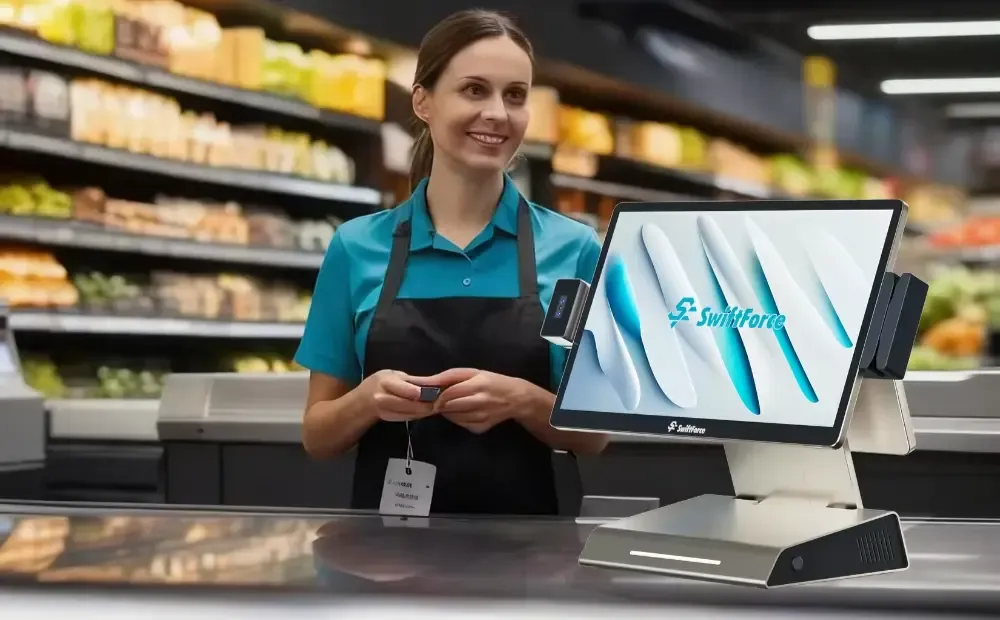
You unlock the shop, switch on the register, and start the day. It feels simple until stock runs out, orders pile up, or sales numbers don’t match. That’s where a modern POS system steps in. It works as your command center, not just a place to take payments. It connects sales, stock, staff, and reports in one place.
It updates items fast. It manages cash drawers and staff access. It supports multiple locations. A basic cash register can’t support this control. Keep reading to learn how to choose the right POS system for your business in 2026.
POS vs Cash Register: The Technical & Financial Differences That Matter in 2026
Small retailers and cafés need more than a tool that takes payments. Daily tasks like stock checks, menu edits, and staff control now shape overall profit. This comparison shows how a modern POS system supports these tasks, while a cash register only covers the basics.
Operational Differences
A POS system tracks every sale and updates stock in real time. A cash register only records the payment total. A POS system supports item-level details, menu edits, and staff roles. A cash register cannot handle these tasks.
Real-World Scenarios
A boutique updates size and color options across all devices with one edit. A café pushes menu changes to the counter and kitchen at once. A mini-mart checks cash logs to prevent mismatches. A cash register forces manual checks and increases errors.
Financial Impact
Stock-outs create lost sales when items are not tracked. Manual entry causes mistakes that affect tax records and end-of-day reports. A POS system reduces these losses. A cash register often increases them through manual processes.
Comparison Table: POS System vs Cash Register (2026)
| Function | POS System (2026) | Cash Register |
|---|---|---|
| Checkout Speed | Fast; item-level scanning with instant updates | Basic total entry; no item tracking |
| Inventory Accuracy | Real-time counts; alerts for low stock | Manual counts; high risk of stock-outs |
| Reporting Depth | Daily, hourly, item-level, and staff reports | Simple end-of-day totals |
| Fraud Prevention | Cash drawer logs; staff permissions | No staff controls; hard to trace errors |
| Payment Types | Cards, mobile, contactless, gift cards | Cash and basic card terminals only |
| Expansion Readiness | Scales to more items, stations, and locations | No expansion support |
Cash registers work for micro-businesses with very few items and simple days. Any retailer or café with real stock, staff, or multiple stations needs a POS system. It saves time, prevents errors, and increases sales accuracy.
Essential POS Features Small Retailers & Hospitality Operators Need in 2026
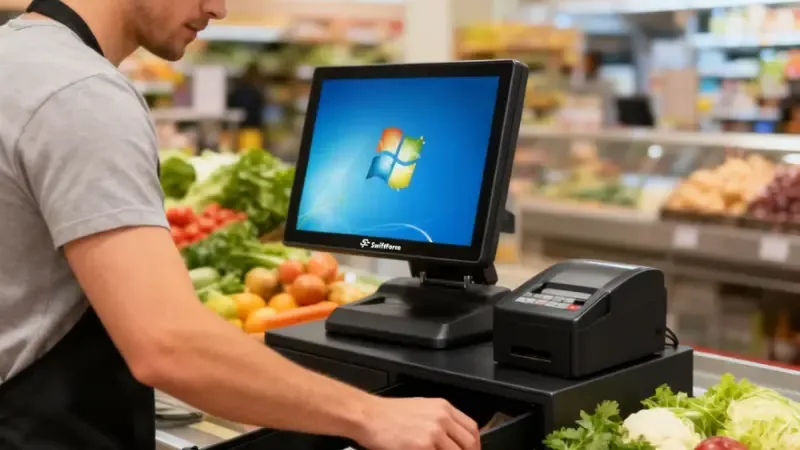
Small retailers and hospitality operators face fast-paced operations, tight margins, and constant stock or menu changes. A strong POS system supports these tasks without slowing the team.
These features matter because they shape daily speed, accuracy, and revenue—not just checkout.
- Inventory & Menu Management
Retail and hospitality teams rely on clear stock and menu controls. A POS system tracks items and updates counts after every sale. It alerts you when the stock drops below your set limit. It supports size, color, and flavor variants so you avoid mix-ups. Cafés and restaurants adjust menu items or modifiers with one quick update. This cuts stock-outs, reduces waste, and keeps the counter team aligned.
- Customer Management, Loyalty, & CRM Sync
Repeat buyers drive stable revenue. A POS system helps you track customer visits and order history. It links with SMS or email tools, so you send rewards or reminders at the right time. It supports gift cards and loyalty points without extra steps. This builds steady foot traffic and higher basket sizes.
- Payments: Cards, Tap-to-Pay, QR, Mobile Wallets
Shoppers expect fast and flexible payment options. A modern POS system supports cards, tap-to-pay, and mobile wallets. Cafés use QR codes for quick table payments. Restaurants handle split bills and tips without delays. Offline mode keeps payments running during network issues.
Use a short list here because payment needs vary by business:
- More payment options reduce queue time.
- Faster checkout leads to higher throughput.
- Flexible tools improve the guest experience.
- Reporting & Analytics Dashboards
Owners need clear numbers, not guesswork. A Point Of Sale (POS) system shows real-time revenue, bestsellers, and slow movers. Cafés track day-part sales for morning, lunch, and evening peaks. Retailers track shrinkage and staff performance. These insights guide buying, staffing, and pricing decisions.
- Ease of Use, Role Management, & Mobile POS
You train new staff fast when the system is simple. Role settings control who can give discounts, open the cash drawer, or edit items. Mobile POS lets teams take orders on the floor or at tables. This keeps service smooth during rush periods and reduces wait times.
POS Hardware Options for Small Businesses (Retail, Café, Restaurant)
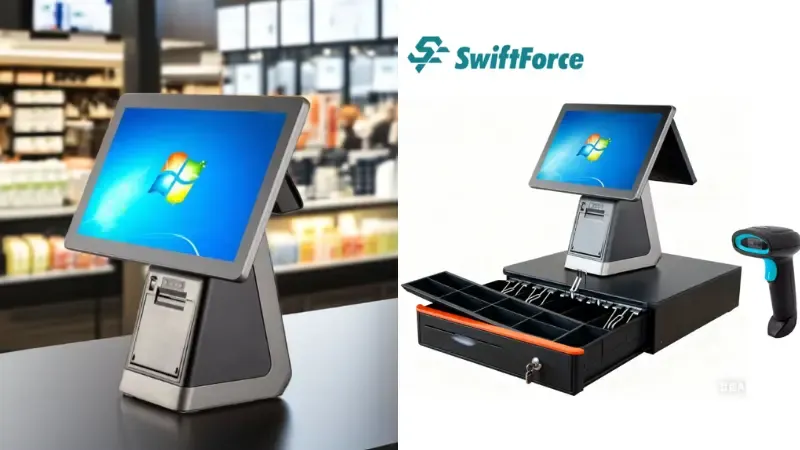
Small businesses today need hardware that works fast, saves counter space, and survives daily use. The exemplary device depends on how you sell, where you sell, and how much foot traffic you handle. Below is a practical breakdown of hardware setups that workz in real shops—not theoretical ones.
All-In-One POS Terminals (For high-traffic retail & quick-service cafés)
All-in-one terminals combine the touchscreen, printer, scanner, and payment reader into a single compact unit. They keep your counter clean and reduce cable clutter. They are built for long hours, heavy tapping, and fast checkout.
Best for: boutiques, convenience stores, mini-marts, and cafés with steady lines.
You get consistent speed, stable connections, and fewer moving parts to maintain.
If you want a fixed, professional checkout with minimal downtime, this is the most reliable option.
Tablets + Modular Peripherals (Budget-friendly, flexible setups)
Tablet-based POS systems use an iPad or Android tablet as the main screen. They are lightweight, easy to move, and cost far less upfront. Small shops use them for portable checkout during peak hours.
You can add only what you need:
– Receipt printer
– Barcode scanner
– Cash drawer
– Card reader
Best for: new boutiques, service businesses, home-based sellers, farmers market vendors, and low-traffic cafés that need flexibility without large hardware costs.
Handheld Mobile POS (Cafés, restaurants, pop-up retail)
Mobile POS is a handheld device that allows staff to take orders anywhere. They reduce lines, speed up table service, and help you serve more customers without adding more staff. They fit into aprons or pockets, making them ideal for tight spaces.
Best for: busy cafés, fast-casual restaurants, food trucks, pop-up stores, and seasonal stalls with limited counter space.
Receipt Printers, Barcode Scanners & Cash Drawers
These peripherals strengthen speed and accuracy.
Printers:
– Thermal printers are fast and quiet—ideal for receipts.
– Impact printers work well in kitchens because they handle heat and grease.
Scanners:
– 1D scanners read basic barcodes.
– 2D scanners read QR codes and mobile tickets.
Cash drawers:
Look for metal construction, secure locks, and the ability to auto-open only during approved sales.
The 2026 Step-by-Step POS Buying Guide for Small Businesses
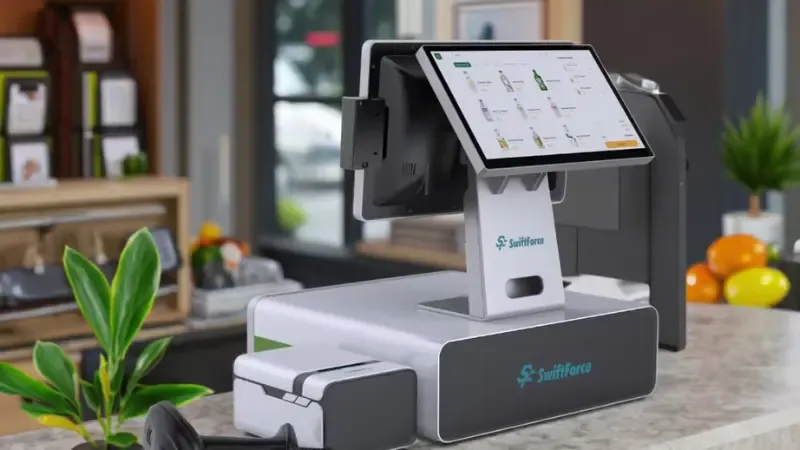
Choosing the right POS system can save time, reduce errors, and increase sales. Small business owners need a clear, step-by-step approach to make a confident choice. Follow this guide to evaluate options, test them in real operations, and select a system that fits your workflow and growth plans.
Step 1 — Define Your Business Requirements
Start with a clear picture of your needs. Consider:
- Number of products or SKUs you manage
- Number of locations or counters
- Payment methods accepted in-store and online
- Integration with e-commerce or delivery platforms
Knowing these upfront narrows your options and avoids unnecessary features.
Step 2 — Choose Cloud vs On-Premise
Cloud-based systems let you access data anywhere. They update automatically and scale across multiple locations. On-premise setups are rare but useful when internet access is unreliable or when strict in-house control is required. Match your choice to your business setup and future expansion plans.
Step 3 — Evaluate Integrations
Your POS should work with your existing tools. Look for accounting sync (like QuickBooks), e-commerce platforms (Shopify/Woo), loyalty programs, and online ordering systems. Seamless integrations reduce manual work and errors.
Step 4 — Assess Scalability & Add-Ons
Consider your growth plans. Will you open new locations or run pop-ups? Do you need self-checkout or kiosk options? Choose a system that can scale without replacing hardware or software.
Step 5 — Test Usability
Staff need to learn quickly. Check checkout speed and offline mode. A slow or confusing system leads to mistakes, longer lines, and frustrated customers. Test role management and permissions for smooth operations.
Step 6 — Request a Demo & Pilot Run
Run a 4–6 week pilot. Test:
- Inventory updates in real time
- Accuracy of sales and reports
- Hardware stability under daily use
A live test ensures the system performs in real conditions before committing.
POS System Pricing: What Small Businesses Should Expect in 2026
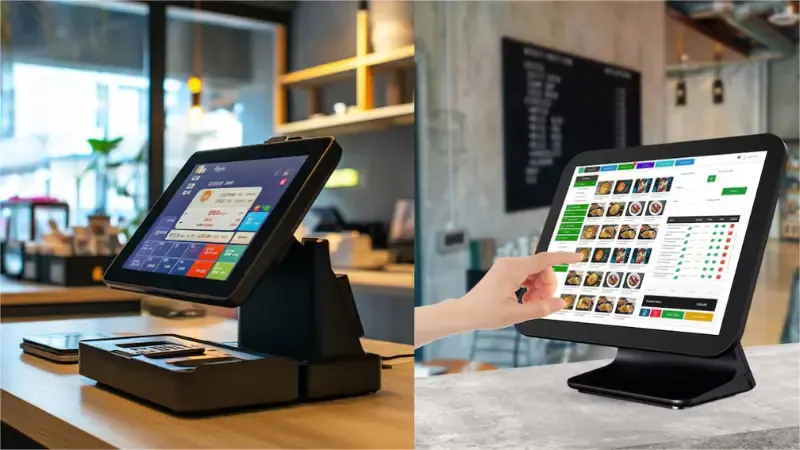
Understanding POS system costs helps small businesses plan budgets and avoid surprises. Prices vary by software, hardware, and payment setup. Knowing what to expect ensures you choose a system that fits both your workflow and finances.
Software Pricing
Most POS software costs $39–$129 per month, per terminal. Subscription plans usually include updates and basic support. Some providers offer tiered pricing based on features or the number of users.
Hardware Pricing
Hardware costs depend on setup and brand. All-in-one terminals range from $1,000 – $2,500. Tablet-based or mobile POS systems start around $500. Add peripherals like printers, scanners, and cash drawers to your estimate.
Payment Processing Fees
Processing fees affect the total cost. Options include:
- Interchange-plus: You pay the actual card fee plus a small markup.
- Flat rate: Fixed percentage per transaction.
Compare fees to avoid overpaying, especially if you process many small payments.
One-Time vs SaaS vs Hybrid Pricing
- One-time purchase: You own the software but may pay for updates.
- SaaS subscription: Ongoing monthly fees, including updates and support.
- Hybrid: Hardware purchased upfront, software on subscription.
Hidden Costs & Add-Ons
Extras like loyalty programs, custom integrations, or online ordering can increase costs. Factor these in before finalizing a provider.
Calculating ROI
A POS system pays off by:
- Reducing stock shrinkage
- Improving order accuracy
- Speeding up checkout
Compare projected savings against costs to ensure your investment boosts revenue and efficiency.
How to Evaluate POS Providers

Choosing a POS system goes beyond features. You also need a provider you can rely on every day. Use these checks to avoid surprises and choose a partner that supports your business long-term.
Customer Support
Check support hours, response time, and channels. Look for fast help through chat, phone, and email. Make sure support covers weekends or late shifts if your store runs them.
Hardware Warranty
Review the warranty on terminals and accessories. Most solid providers offer 1–3 years. Confirm the process for repairs or replacement.
Software Updates
Ask how often the provider releases updates. A good team fixes issues fast and improves the system through scheduled updates.
Reputation and Reviews
Look at verified reviews and third-party ratings. Check for certifications or industry standards that show reliability.
Service Guarantees
Confirm uptime levels, data backup rules, and recovery steps. You need clear commitments for stable service and secure storage.
Frequently Asked Questions About POS Systems
What is the best POS system for small businesses in 2026?
The best POS system matches your business size, sales volume, and workflow. Look for fast checkout, inventory tracking, easy reporting, and multi-location support. Cloud-based systems are ideal for mobility and updates. Tablet or all-in-one setups work for most small retailers, cafés, and restaurants.
What features should small retailers look for in a POS?
Essential features include inventory management, customer tracking, loyalty programs, multiple payment options, and reporting dashboards. Mobile POS or tablet support helps with staff flexibility. Easy role management and offline mode ensure smooth daily operations.
How much does a small business POS cost?
Software usually costs $39–$129 per month per terminal. Hardware ranges from $500 to $2,500, depending on setup. Add payment processing fees, loyalty programs, and integrations. Compare total cost against expected savings in time, accuracy, and reduced stock loss.
Can a POS system replace a traditional cash register?
Yes. Modern POS systems handle payments, inventory, reporting, and staff management. They also support multiple locations and online sales. Cash registers only record transactions and cannot provide operational insights.
Are all-in-one POS terminals worth it for small businesses?
All-in-one terminals are ideal for high-traffic counters. They combine a touchscreen, a printer, a scanner, and a payment device in one unit. They save space, reduce cables, and improve checkout speed. For small retailers or cafés with consistent lines, they offer reliability and efficiency.
How long does it take to set up a POS?
Setup typically takes a few hours to a few days, depending on hardware and software complexity. Cloud systems install faster than on-premise solutions. Staff training and product import may add time, but most small businesses are operational within one week.
Final Take: Make a Decision That Works Daily
POS systems run your counter, inventory, and reporting with minimal effort…but only if chosen wisely. A wrong system slows staff, increases errors, and affects sales.
To avoid costly decisions, run a 4–6 week pilot with two or three shortlisted systems. Observe real-world speed, accuracy, usability, and hardware durability. This hands-on approach reveals the system that fits your business best and provides lasting operational value. The right POS system pays for itself by reducing errors, saving staff time, and supporting sustainable growth.
Find the Right POS System for Your Business
Choosing the ideal POS doesn’t have to be complicated. Visit our website to explore proven, scalable POS hardware designed for retail, F&B, and omnichannel operations.If you want expert guidance or a tailored recommendation, reach out to us. Our team is ready to help you select a system that truly works for your business—every day, for years to come.