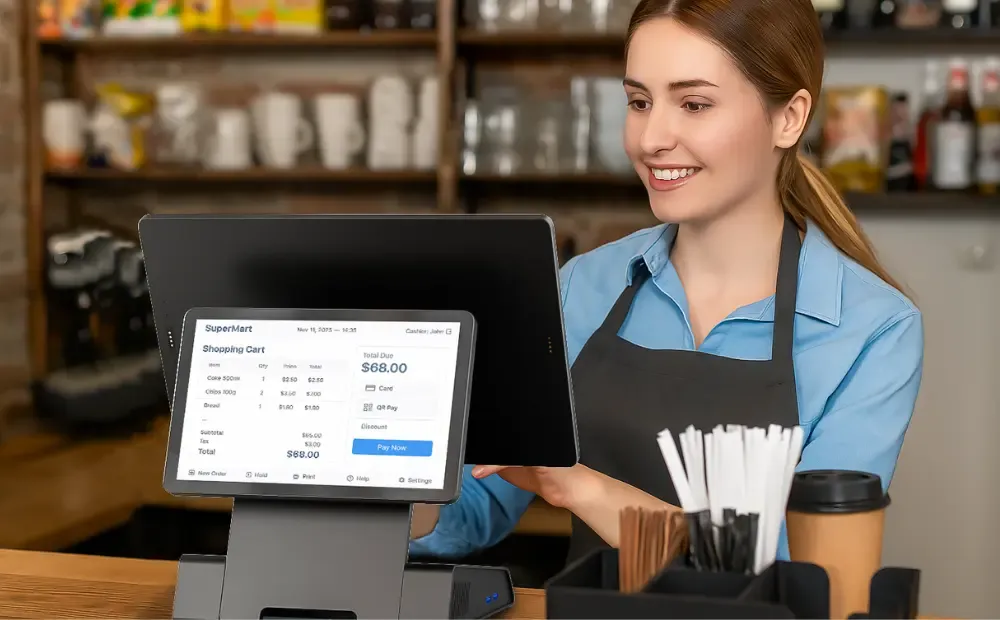
You close the register every night, count the cash, and it all seems fine. That “working fine” register may be slowing sales, hiding stock errors, and eating into margins without notice. Slow checkouts, manual stock counts, and missing data quietly drain profit.
Every extra minute at the counter costs you sales and customer trust. This guide breaks down the real difference between old cash registers and modern POS systems, reveals where savings come from, and helps you see what a smarter checkout can return.
Cash register vs POS System (What they are, who uses them)

Retailers and restaurant owners lose money each day. The reason? Their systems can’t keep up with how they sell, stock, and serve customers.
Here’s what separates a simple till from a real point-of-sale solution.
Outdated Cash Register (Basic, Isolated, and Hard to Scale)
A legacy register records payments and prints receipts…nothing more. Every function depends on manual input. Staff enter prices by hand, update stock counts on paper, and close out each drawer without valid data.
Reports show only total sales, not which items moved or which hours drove the most revenue.
Most registers support cash and maybe card payments, but no contactless, QR, or online orders. Each unit stands alone, which makes multi-store operations almost impossible to manage.
Modern POS System (Integrated, Connected, and Built for Growth)
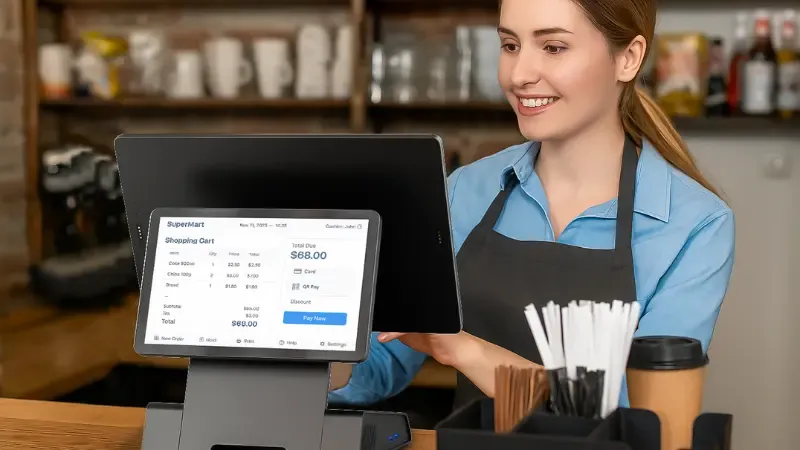
A modern POS unites payment terminals, barcode scanners, printers, and software into one connected network.
It tracks every sale in real time, updates inventory across locations, and links data with accounting and loyalty tools.
Cloud-based access gives owners control from anywhere, while automatic updates and remote support keep downtime to a minimum.
Managers see actual performance — from fastest-selling SKUs to peak traffic hours—in one dashboard.
| Feature | Cash Register | Modern POS System |
|---|---|---|
| Payments | Cash, card only | All methods: EMV, NFC, QR, e-commerce |
| Inventory | Manual entry | Barcode scanning, livestock sync |
| Reporting | End-of-day totals | Real-time analytics, trend reports |
| Integrations | None | Accounting, loyalty, e-commerce |
| Scalability | One store | Multi-store, multi-terminal |
| Maintenance | On-site repair | Cloud updates, remote support |
The True Cost of an Outdated Cash Register
Old registers quietly drain profit across multiple areas of your business. What appears to be a working system often masks measurable losses in sales, labor, and inventory. Understanding where the money leaks out is the first step toward fixing it.
1. Lost Sales From Slow Checkouts
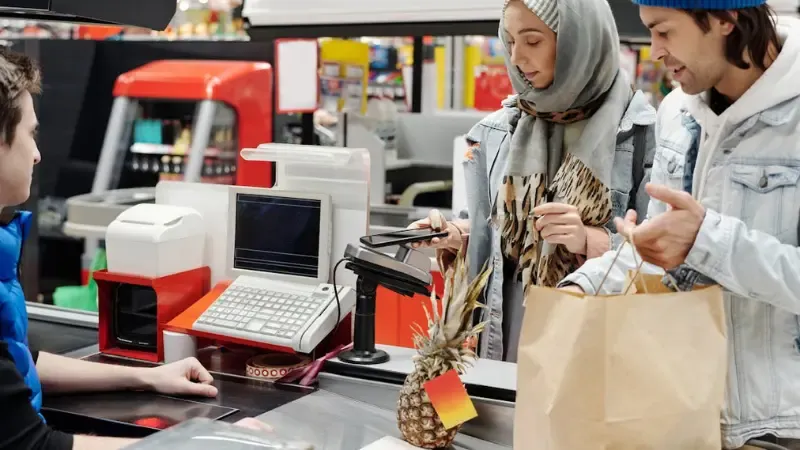
Every minute a customer waits in line increases the chance they will walk away. Research shows long queues can reduce sales by up to 15% in busy retail and quick-service environments.
For example, if checkout takes one extra minute and you process 300 transactions per day, that’s five lost sales daily. Over a month, you lose more than 150 transactions — not from lack of demand but from slow service.
Faster processing leads directly to higher throughput and improved customer retention.
2. Labor Inefficiency That Multiplies Over Time
Manual tasks consume paid hours that could go toward customer service or merchandising. Common time drains include:
- Keying prices manually.
- Counting drawers and reconciling cash at closing.
- Entering the same data into accounting or inventory tools.
Labor cost formula:
(Extra minutes × transactions × days ÷ 60) × average hourly wage = hidden monthly labor expense.
A small delay, repeated hundreds of times each day, adds up to real payroll costs.
3. Inventory Errors and Shrinkage
Without real-time tracking, stock levels depend on manual counts. That means:
- Overstock that locks up cash.
- Stockouts that lose sales.
- Untracked shrink from mis-scans or theft.
POS-connected inventory systems prevent these issues by updating stock automatically and flagging discrepancies immediately.
4. Maintenance, Downtime, and Repair Costs
Aging hardware often fails when parts are no longer available. Each breakdown means hours of downtime, lost transactions, and emergency technician fees. Many older registers also lack support contracts, leaving you dependent on ad hoc fixes that cost more long term.
What can you do right now?
Run a 30-day checkout and inventory snapshot to measure time spent on manual tasks, sales lost to delays, and recurring repair costs. You’ll see how much your “working” register truly costs you.
How Modern POS Systems Actually Save Money

A Modern POS system removes waste across every part of your operation. Each improvement stacks up to create measurable savings and faster ROI.
Here’s how to save money with POS systems that work smarter, not harder.
1. Faster Transactions, More Throughput
Barcode scanning, saved SKUs, and contactless payments cut checkout time. Shorter lines mean more customers served each hour.
Even a 20-second improvement per sale boosts daily volume. Higher throughput equals higher revenue without extra staff.
2. Labor Reallocation and Productivity
Managers waste hours on manual reconciliations. Automated reporting and digital shift tracking remove that work.
Staff can focus on sales or merchandising instead of balancing tills. Fewer errors mean fewer re-checks and smoother shifts.
3. Inventory Optimisation
POS-linked inventory gives live stock visibility. It sets reorder alerts and tracks supplier lead times. You avoid overstock that ties up cash and stockouts that lose sales.
Margin reports help identify slow movers and dead stock.
4. Reduced Shrink and Improved Accuracy
Research shows that integrating barcodes and scales prevents pricing mistakes. User-level access stops unauthorized changes.
Audit trails flag suspicious activity early. Every sale is tracked, reducing both theft and mis-scans.
5. Lower IT and Overhead Costs
One of the most notable benefits of a cloud POS system is that it eliminates the need for servers and backups. Updates happen automatically, cutting technician visits.
Remote troubleshooting prevents downtime.
6. Revenue Growth Opportunities
Built-in loyalty and promo tools drive repeat sales.
E-commerce sync increases order volume and average order value. Businesses often recover upgrade costs within months through added revenue and reduced waste.
Why Your Checkout Process Lags and How to Fix It
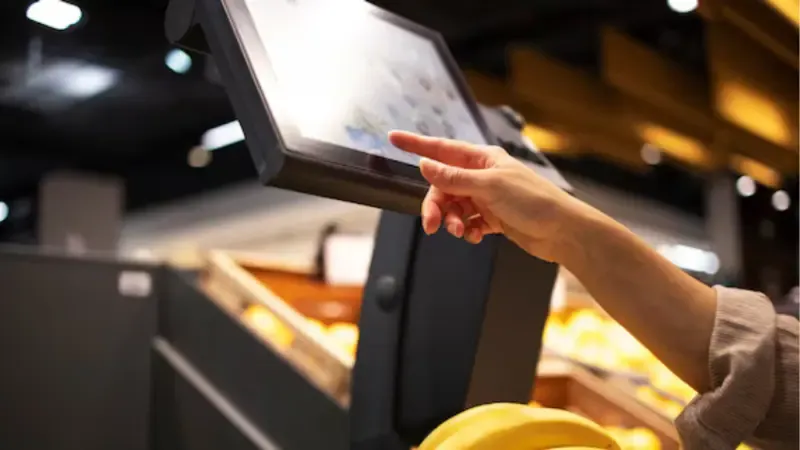
Slow checkout isn’t random. It starts with avoidable bottlenecks. You can spot them and act fast.
Common Bottlenecks
- Manual PLU entry when no barcode database exists
- Outdated payment terminals or slow card readers
- No integrated discounts or promotions require manual overrides
- Clunky UI or weak hardware that stalls key actions
Quick Fixes to Speed Things Up
- Add barcode scanning and SKU import into your POS system
- Replace legacy terminals with EMV/contactless integrated modules
- Build discount logic into your POS to remove overrides
- Choose hardware with a smooth UI and a fast processor
A small grocer cut average transaction time from 2:30 minutes to 1:30. Throughput rose 20% after adding barcode scanning and contactless payments.
The ROI of Switching to a Modern POS

Procurement teams need proof before approving capital spend. A clear ROI model shows how fast a POS upgrade pays back. Use this plug-and-play formula to estimate savings.
ROI Formula
Net Savings per Year =
(Sales Lift + Labor Savings + Inventory Carrying Cost Reduction + Shrink Reduction + IT/Ops Savings) − (Annualized POS Cost)
Annualized POS Cost =
(Hardware ÷ Useful Life) + (Subscription × 12) + (Installation & Integration) + (Payment Processing Delta)
Let’s Calculate Your POS ROI
Annualized POS cost
Let’s say your company makes $1.2 million in annual revenue.
If a new POS helps lift sales by just 3%, that’s $36,000 added straight to your bottom line.
Labor savings
Next, think about labor.
If your team saves two hours a day on manual tasks at $12 an hour, over 300 working days, that’s another $7,200 saved.
Other Savings
- Better inventory tracking can free up $10,000 tied up in overstock.
- Fewer mis-scans and theft reduce shrinkage by another $5,000.
Together, that’s $58,200 in annual savings.
Now look at POS costs.
Hardware worth $6,000 spread over three years totals $2,000 per year.
Add $1,800 for software subscriptions and $2,000 for training and setup.
That’s a total of $5,800 in yearly cost.
Subtract the two, and your net annual gain comes to $52,400.
That means your system could pay for itself in under two months.
How to Choose the Right POS Partner: A Technical and Procurement Checklist

Selecting a POS partner is a long-term decision that affects every sale, report, and customer interaction. You need a system that fits your operations, scales with your business, and meets compliance standards.
Use this checklist to evaluate vendors before signing the contract.
Must-Have Technical Features
A reliable POS should include:
- EMV and contactless-certified payments with full PCI DSS compliance.
- Barcode and scale integration with support for multi-pricing and discounts.
- Real-time inventory tracking and automated purchase orders for restocking.
- Robust APIs that connect to e-commerce, ERP, and accounting systems.
- Offline transaction mode with automatic sync when back online.
- Remote device management and a clear hardware SLA for quick replacements.
Operational and Commercial Factors
Before purchase, verify:
- Transparent pricing for hardware, subscriptions, and transaction fees.
- Implementation and staff training, on-site if required.
- Data ownership and export options.
- Security documentation, such as PCI or SOC audit proof.
- Warranty and availability of spare parts, especially for specialized terminals.
If you work with a system integrator or VAR, request SDKs, developer documentation, and a sandbox environment for pre-deployment testing.
Implementation & Migration Playbook: A Step-by-Step Rollout Plan

Switching from a cash register to a POS system doesn’t need to disrupt operations. A structured rollout reduces downtime and builds team confidence. Follow this simple playbook for a smooth transition.
1. Discovery (Days 1–30):
Run a 30-day audit of transactions, SKU counts, and busiest hours using the provided snapshot template.
2. Define Scope:
Decide on a single-store or phased multi-store rollout.
3. Data Mapping:
Export SKUs, prices, customer lists, and historical sales for import into the POS.
4. Hardware Pilot:
Test terminals and registers during off-peak hours.
5. Staff Training
Hold a one-week focused training session and update SOPs. Provide quick reference guides.
6. Go-Live & Hypercare:
Run live operations with vendor support for 7–14 days.
7. Post-Launch Review (Day 60):
Track key KPIs: average transaction time, sales per labor hour, stockouts, shrink rate, and POS uptime.
Frequently Asked Questions About POS Systems
What is the difference between a POS and a cash register?
A cash register records sales and prints receipts. A POS system manages payments, inventory, reporting, and analytics…giving full visibility into business performance.
How much does it cost to upgrade to a modern POS?
Costs vary by setup. Expect around $1,500–$3,000 per terminal for hardware and $50–$150 per month for cloud software, depending on features and locations.
How long will it take to see ROI after switching?
Most retailers recover their investment in 3 to 12 months, depending on transaction volume, labor savings, and inventory control.
Can a POS work offline if my internet drops?
Yes. Most cloud POS systems include an offline transaction mode that syncs data automatically when the connection is restored.
Will a POS integrate with my accounting software?
Yes. Leading POS platforms integrate with QuickBooks, Xero, and Sage, automatically syncing daily sales and expenses.
Do cloud POS systems meet PCI/data security standards?
Yes. Reputable providers follow PCI DSS and SOC 2 standards to secure payment and customer data.
Final Take: Stop Losing Profit at the Checkout
Every checkout delay and manual entry adds to your operating loss. Modern POS systems stop that drain and turn transactions into real-time intelligence.
At SwiftForce, we help retail and F&B brands upgrade from outdated systems to flexible, data-driven POS solutions.
Curious how much efficiency your current setup is missing?
Contact us today for a free 30-day performance snapshot and discover how our POS technology can help you recover hidden profits.