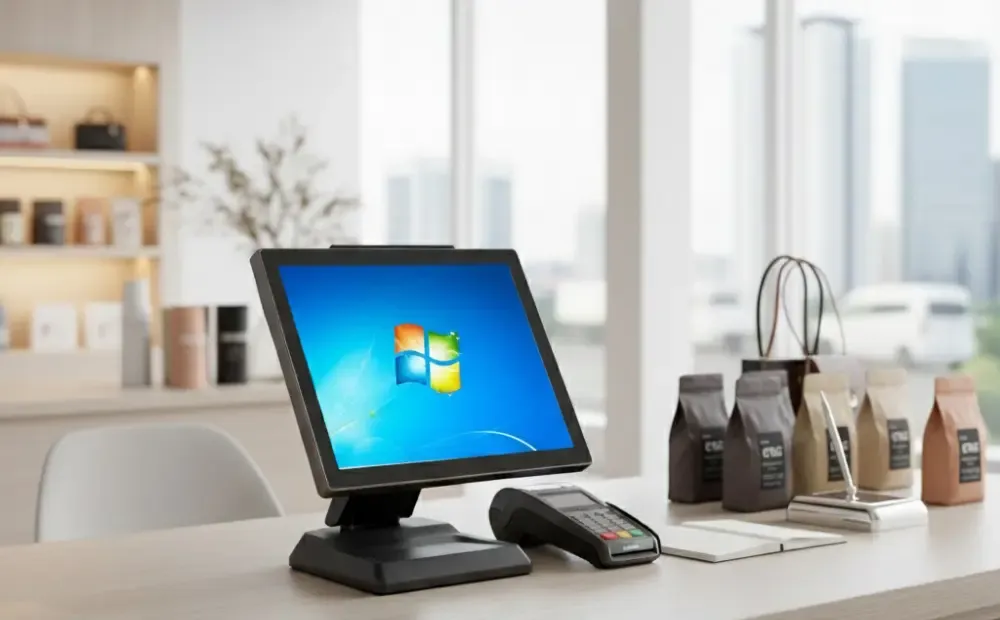
Thinking of upgrading your checkout system? The true cost of a POS system goes beyond the terminal and software. Extras like training, add-ons, payment processing, and maintenance often catch business owners off guard. Planning ahead prevents budget surprises and ensures you get the right solution.
In this guide, we explain all the factors that affect POS system cost in 2026. Read on to learn how to make smarter decisions and choose a setup that fits your store and grows with your business.
POS Hardware Prices Explained
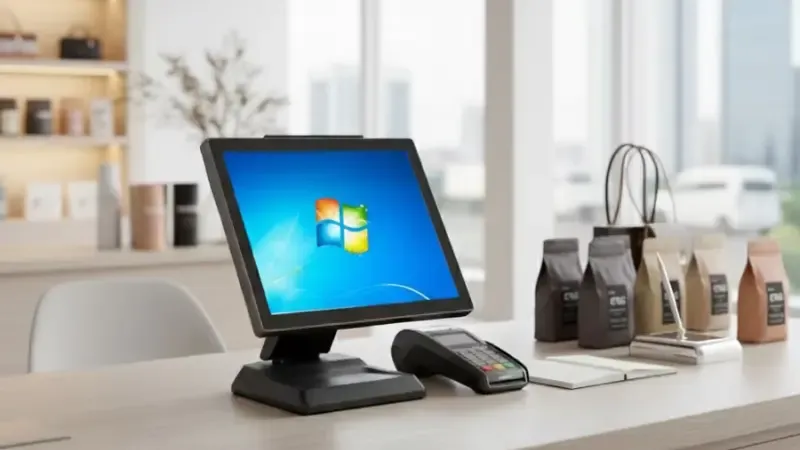
POS hardware is one of the biggest factors in total system cost. Prices vary based on the type of hardware, performance, and durability. Choosing the proper setup helps you avoid overspending while ensuring you have reliable equipment for your business.
All-in-One POS Terminal Costs
All-in-one terminals combine a screen, processor, and software interface into a single unit. Prices depend on quality and intended use.
Here’s what affects the cost:
- Entry-level vs industrial-grade: Basic models suit small stores. Industrial-grade systems handle heavy traffic and long hours.
- Screen size and resolution: Larger, higher-resolution screens cost more.
- Processor and memory: Faster processors improve performance but increase the price.
- Durability: Sturdier units last longer in busy environments.
- Brand impact: Established brands usually cost more but offer better support.
Selecting the right terminal depends on store size, expected usage, and budget.
POS Peripheral Hardware Costs
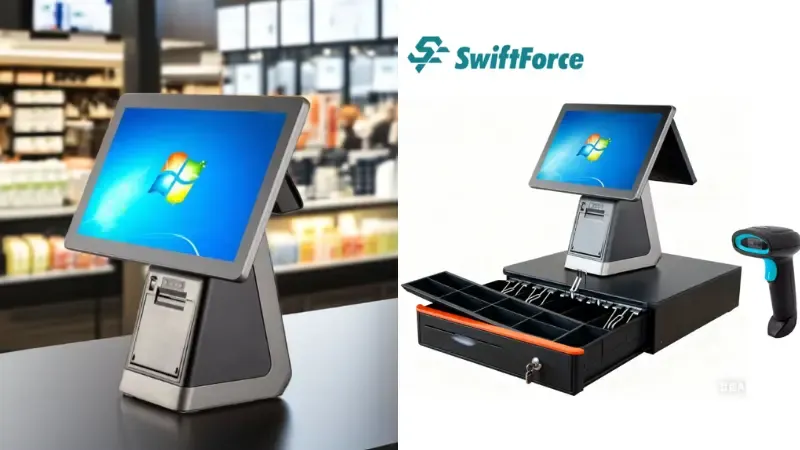
Peripheral devices support daily operations. These devices can add up if not planned carefully. Common peripherals include:
- Barcode scanners: Handheld or fixed, used for fast item scanning.
- Receipt printers: Thermal or impact printers. Reliability affects long-term costs.
- Cash drawers: Manual or electronic. Choose based on store traffic and payment mix.
- Customer displays: Show prices and transaction details for transparency.
- Optional add-ons: Scales, kitchen displays, handheld terminals, or mobile POS units.
Tips for small businesses:
- Start with essential peripherals only.
- Add optional devices as business grows.
- Compare brands and warranties to reduce long-term expenses.
POS Hardware Price Ranges (2026 Table)
Below is a clear breakdown of typical POS hardware prices by business size and hardware type. This helps you budget effectively.
| Hardware Type | Entry-Level | Mid-Tier | Industrial-Grade |
|---|---|---|---|
| All-in-One Terminal | $600–$1,200 | $1,200–$2,500 | $2,500–$5,000 |
| Barcode Scanner | $50–$150 | $150–$300 | $300–$600 |
| Receipt Printer | $100–$250 | $250–$500 | $500–$1,000 |
| Cash Drawer | $80–$200 | $200–$400 | $400–$700 |
| Customer Display | $100–$200 | $200–$400 | $400–$700 |
These ranges vary by brand, durability, and additional features. Use this table to plan a setup that fits your store size and daily operations.
POS Software Costs: What You Pay Monthly and Annually
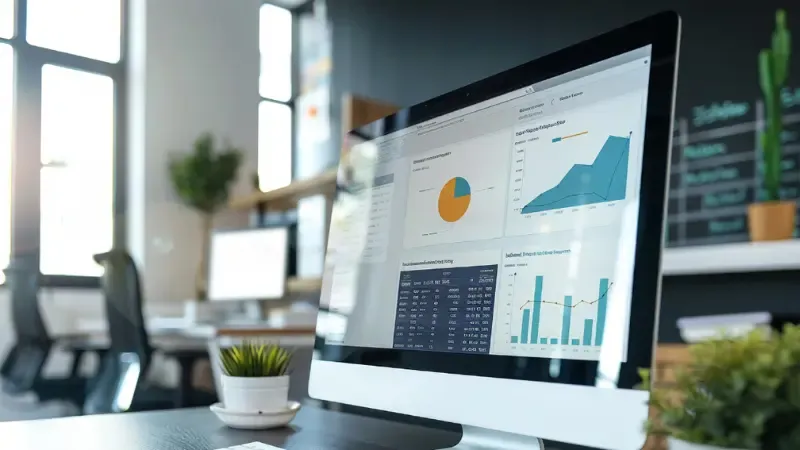
POS software is a key part of the total system cost. How you pay depends on the type of software and the features you need. Understanding pricing models helps you plan your budget and avoid surprises.
Cloud POS Software Pricing Models
Cloud POS systems usually charge recurring fees. Costs depend on the number of terminals and feature level.
Key points:
- Subscription vs per-terminal pricing: Some vendors charge a flat monthly fee. Others charge per terminal or register.
- Feature-based tiers: Basic plans cover essential functions. Standard and premium tiers add advanced features like reporting, loyalty programs, or inventory alerts.
- Hidden fees: API access, software add-ons, or transaction processing can increase costs. Always check what’s included in the plan.
Cloud POS pricing is flexible. It allows scaling as your business grows.
Traditional POS Software Licensing Costs
Traditional POS software usually has a one-time upfront fee. Additional costs may include upgrades, maintenance, and support contracts. Key factors:
- Licensing: One-time purchase per terminal or store.
- Maintenance and updates: Some vendors charge annual fees for upgrades and technical support.
- Enterprise considerations: Larger businesses may need custom licenses or multi-store bundles.
Traditional POS often has higher upfront costs but lower monthly fees. It can be a good choice for businesses with stable requirements.
Cloud POS vs Traditional POS Cost: Long-Term Ownership
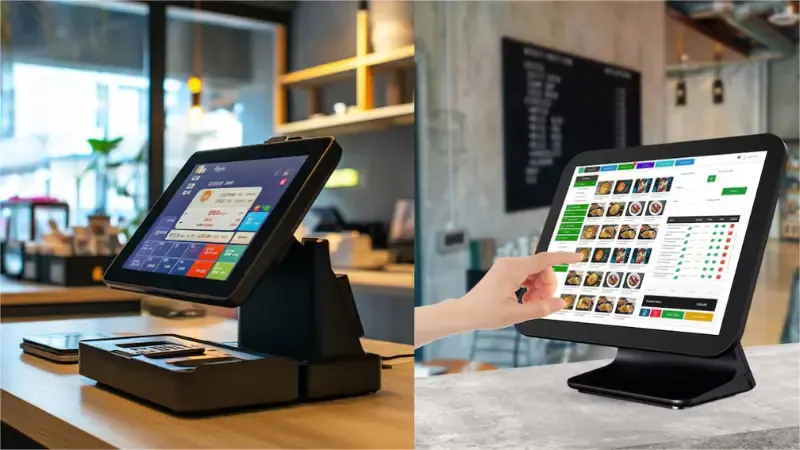
Choosing between cloud and traditional POS affects both upfront and ongoing costs. Cloud POS systems charge recurring fees but require a lower initial investment. Traditional POS often costs more upfront but has lower monthly fees.
Understanding these differences helps you plan for 3–5 years and avoid budget surprises.
Before comparing, consider:
- Business size: Small stores may prefer the cloud for flexibility. Larger or multi-location businesses might benefit from traditional POS.
- Scalability: Cloud systems scale easily. Traditional POS can require hardware upgrades for growth.
- Maintenance: Cloud providers include updates and support. Traditional systems often require paid maintenance.
POS Cost Comparison Table
| Cost Factor | Cloud POS | Traditional POS |
|---|---|---|
| Upfront cost | Lower | Higher |
| Monthly fees | Yes | Usually none |
| Maintenance & updates | Included | Extra |
| Scalability | Easy | Expensive |
Key Takeaways:
- Small businesses often save money with cloud POS due to low upfront cost and included maintenance.
- Traditional POS is worth the higher investment when long-term stability, advanced features, or ERP integration are priorities.
- Consider the total cost over 3–5 years, not just the initial price, when making your choice.
POS Cost for Small Businesses: Budget Planning
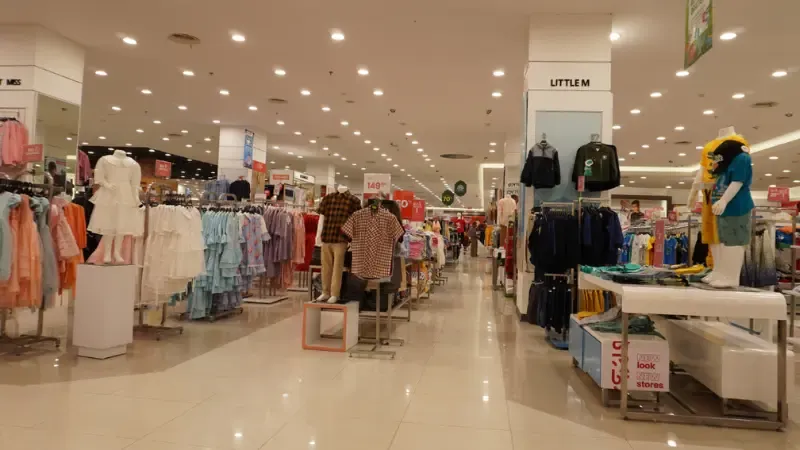
Small businesses need a POS system that fits daily operations without stretching the budget. Costs depend on store size, number of terminals, and long-term plans. Clear planning helps you control expenses and avoid paying for features you do not need.
Single-Store POS Costs
Single-store businesses usually focus on simplicity and affordability. Most costs come from basic hardware, software access, and payment processing. The goal is to cover daily checkout needs without overbuilding the system.
- Hardware and Software Setup
Entry-level POS terminals work well for one location. Basic software plans handle sales, inventory, and reports. Cloud POS systems are common because they require less upfront spending and include updates and support.
- Payment Fees and Optional Extras
Payment processing fees add up over time. Receipt printers, scanners, and customer displays increase initial costs. Starting with only essential devices keeps spending under control.
Multi-Store POS Costs
Multi-store businesses face higher costs due to scale. Each location adds hardware, software access, and support needs. Planning for growth is critical to avoid repeated upgrades.
- Terminals, Licenses, and Expansion
Every store needs its own terminals and software access. Cloud POS systems make expansion easier by allowing quick setup for new locations. Traditional POS systems often require higher upfront investment for each site.
- Maintenance and Long-Term Planning
Ongoing support, updates, and system management become more important at scale. Choosing a platform that handles growth smoothly reduces long-term expenses and operational strain.
POS System Cost vs Cash Register: Is the Upgrade Worth It?
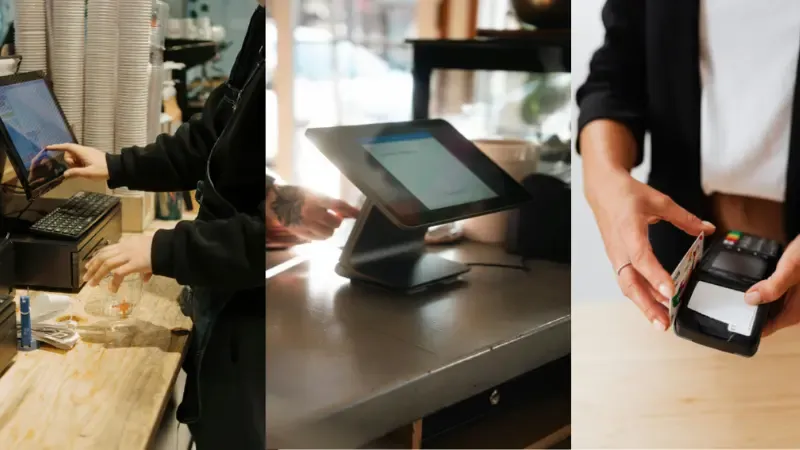
Many small retailers get confused between cash register Vs POS system. The upfront cost feels safer. But long-term costs and daily inefficiencies often stay hidden until the business grows.
Side-by-Side Cost and Capability Comparison
The table below shows how a cash register compares with a POS system across key factors that affect daily operations and long-term value.
| Factor | Cash Register | POS System |
|---|---|---|
| Initial cost | Lower | Higher |
| Monthly fees | None | Usually yes |
| Inventory tracking | Manual | Automatic |
| Sales reports | Basic totals | Detailed insights |
| Scalability | Limited | Easy to expand |
A cash register handles simple sales. A POS system supports growth, accuracy, and control.
Real ROI for Small Retailers
Imagine a small store with steady daily sales. With a cash register, staff count stock by hand and track sales manually. Errors happen. Time gets wasted.
With a POS system, stock updates after each sale. Sales data stays clear. Staff work faster. Over time, labor savings, fewer mistakes, and better restocking decisions often justify the higher POS system cost.
Hidden POS Costs Most Businesses Don’t Expect

Many businesses plan for hardware and software. Few plan for everything else. Hidden POS costs often appear after setup and slowly increase total spending. Knowing these costs early helps you avoid budget stress and poor decisions.
Software Add-Ons and Feature Access
Basic software plans cover only core functions. Advanced reports, loyalty tools, or multi-store views often cost extra. Some vendors charge for add-ons that seem essential once operations grow. These fees may appear monthly or annually. Over time, they raise the true cost of ownership.
Payment Processing Fees
Every card payment carries a fee. Rates vary by provider and payment type. Small differences add up with high sales volume. Some POS systems also charge extra for using third-party processors. Always review processing terms before signing a contract.
Hardware Replacement Cycles
POS hardware does not last forever. Busy stores replace screens, printers, and scanners more often than expected. Heat, dust, and long hours reduce lifespan. Planning for replacements prevents sudden expenses.
Installation, Training, and Integration Costs
Setup often takes more time than expected. Staff training costs money and time. Integrating POS with accounting or inventory tools may involve extra fees. These costs matter, especially during busy seasons.
Realistic planning leads to better outcomes. When you budget for hidden costs, your POS investment stays predictable and sustainable.
POS Trends 2026 That Will Impact Pricing
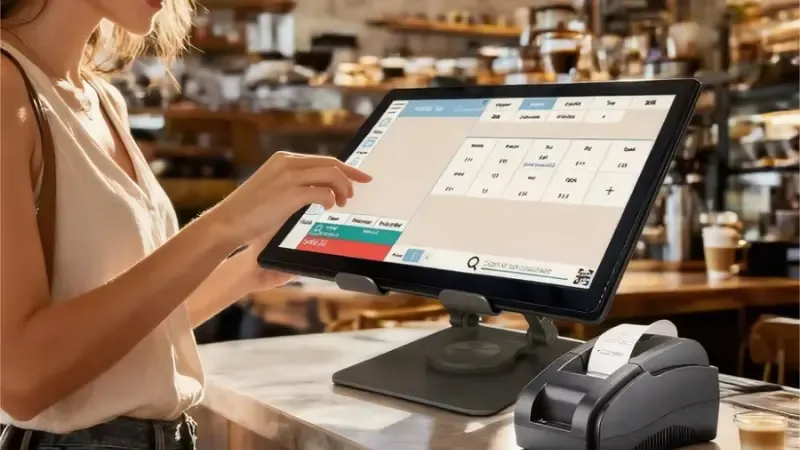
POS systems are changing fast. New tech and new business models will affect what you pay now and in the future. Knowing these trends helps you plan your budget wisely and avoid outdated assumptions.
AI and Predictive Analytics Drive Smarter Systems
AI is becoming standard in POS platforms. AI tools can forecast inventory needs before stock runs low. They can analyze sales and suggest smarter restocking and pricing approaches. Many systems now use AI for predictive inventory and sales insights. They help reduce waste and improve margins in retail operations.
AI can also power self-checkout kiosks and automation that cut labor costs. These features may raise initial pricing but can lower long-term cost per sale as they reduce manual tasks and errors.
Automation, Self-Service, and New Hardware Expectations
Retailers are adding automation and self-checkout options more often. Self-checkout systems are now a major part of the POS landscape. And they are expected to grow further by 2026.
Automation also shows up in how businesses manage orders, routing and basic tasks that once required manual input. These automated functions help reduce staff workload but can raise the price of advanced POS packages.
Subscription Models and Hardware Shifts Change Cost Structures
POS vendors continue moving toward subscription-based pricing instead of large one-time fees. This trend spreads cost over time, which can be helpful for cash flow but may increase lifetime spend.
Hardware itself is also evolving. Tablet-like POS terminals and mobile devices are becoming more common. This shift leads to modular pricing where you pay more for specific functions rather than one big hardware bundle.
How to Reduce POS System Costs Without Sacrificing Performance

Reducing POS costs doesn’t mean cutting corners. Smart choices cut spending while keeping your system strong. The goal is a lower total cost without slowing your business down.
Choose Modular and Scalable Hardware
Pick hardware that matches your real needs today. Don’t pay for extra terminals or devices you won’t use right away. A modular setup lets you add devices only when needed. This kind of planning cuts upfront cost and prevents waste later. Choosing scalable gear also avoids complete system upgrades when you grow. Cloud-ready and tablet-based systems tend to cost less over time and scale with business growth.
Avoid Unnecessary Software Features and Add-Ons
Software often comes in tiers with extra modules you may not need. Don’t pay for advanced features before you use them. Ask for a breakdown of what each plan includes and why. Vendors will often let you start with core features and add upgrades later. This lets you keep monthly fees low while still accessing the tools that matter most. Transparent pricing helps avoid surprises and keeps total POS costs under control.
Choose Platforms That Grow With Your Business
Scalability matters. A system that supports more users, locations, or integrations later saves you a costly switch down the road. Cloud POS systems often scale with minimal cost bumps and fewer hardware demands. They also reduce maintenance work and keep systems up to date automatically. Planning for growth now prevents expensive migrations later.
Negotiate Hardware and Software Bundles
You don’t have to accept list prices. Many vendors will negotiate on hardware, software access, and setup fees. Highlight your business value and potential long-term partnership. Ask for bundle pricing if you buy hardware and software together. You can also request waived setup or training fees in exchange for a longer contract. This simple step can reduce your initial spend and improve overall value.
Final Cost Checklist Before Buying a POS System
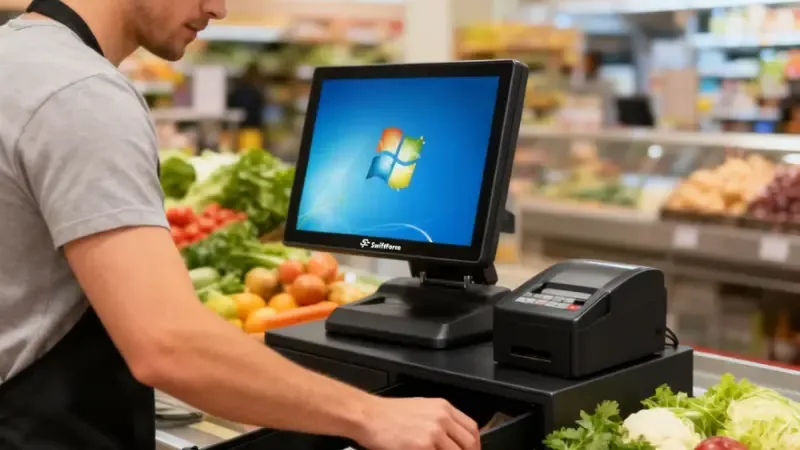
Before you sign any POS contract, pause and review the full cost picture. A quick checklist helps you avoid surprises and make confident decisions. Use this list to evaluate any POS system before purchase.
Hardware
Confirm the number of terminals you need today. Check prices for scanners, printers, and cash drawers. Ask about hardware lifespan and replacement costs.
Software
Review what features the base plan includes. Identify paid add-ons you may need later. Confirm how software upgrades work.
Subscriptions
Check monthly or annual fees. Ask how pricing changes when you add more terminals or locations. Review contract length and exit terms.
Payment Fees
Understand processing rates for cards and digital payments. Ask if the system limits processor choice. Small fees add up over time.
Support and Warranty
Confirm what support includes. Ask about setup help and training costs. Review warranty terms and response times.
A clear checklist keeps costs predictable. It helps you choose a POS system that fits your business today and tomorrow.
Quick POS Cost Review
| Cost Area | What to Check Before Buying |
|---|---|
| Hardware | Terminal count, peripherals, replacement cycle |
| Software | Included features, paid add-ons, upgrades |
| Subscriptions | Monthly fees, scaling costs, contract terms |
| Payment Fees | Processing rates, processor restrictions |
| Support & Warranty | Training, response time, coverage limits |
FAQs About POS System Cost
How much does a POS system cost in 2026?
POS system costs vary by hardware, software, and add-ons. Small businesses can start with lower-end cloud systems, while multi-location retailers may invest in full-featured setups. Always plan for subscriptions, payment processing, and occasional hardware replacements to understand the total cost.
Is cloud POS cheaper than traditional POS?
Cloud POS often has lower upfront costs because it doesn’t require large hardware purchases. Monthly fees cover software updates and support. Traditional POS usually has higher initial costs but may cost less over several years if you already have infrastructure in place.
What is the cheapest POS system for small business?
The cheapest option is usually an entry-level cloud POS with basic hardware. Look for systems that cover sales, inventory, and reporting without extra features. Avoid unnecessary add-ons to keep monthly fees low while still meeting essential business needs.
Are Android POS systems cheaper than Windows POS?
Yes. Android POS hardware is generally less expensive than Windows terminals. Software plans for Android systems are often simpler and cheaper. Windows POS offers advanced features and ERP integration, but it comes at a higher upfront and ongoing cost.
What hidden fees should I expect with POS systems?
Hidden costs include software add-ons, payment processing fees, hardware replacements, installation, staff training, and integration with other systems. Planning for these expenses helps you avoid surprises and ensures the POS investment fits your budget long-term.
Final Take: Control Costs, Maximize Value
POS systems come with upfront and ongoing costs. Careful planning reveals hidden fees and prevents overspending. The right platform reduces errors, saves labor, and scales with your business. Think of POS as an investment, not just an expense. Transparent budgeting now protects your bottom line in the long term.
Evaluate hardware, software, and subscriptions thoroughly. Book a call with Swiftforce to explore the best POS for your store and ensure your investment delivers maximum value and growth potential.
Final Take: Control Costs, Maximize Value
POS systems come with upfront and ongoing costs. Careful planning reveals hidden fees and prevents overspending. A well-chosen POS platform reduces checkout errors, lowers labor pressure, and grows alongside your business. Think of POS as an investment, not just an expense. Transparent budgeting now protects your bottom line in the long term.
Build a POS Strategy That Delivers Real ROI
Explore how SwiftForce designs scalable, transparent POS solutions built for modern retail and hospitality. Evaluate hardware, software, and subscriptions thoroughly. Book a call with Swiftforce to explore the best POS for your store and ensure your investment delivers maximum value and growth potential.