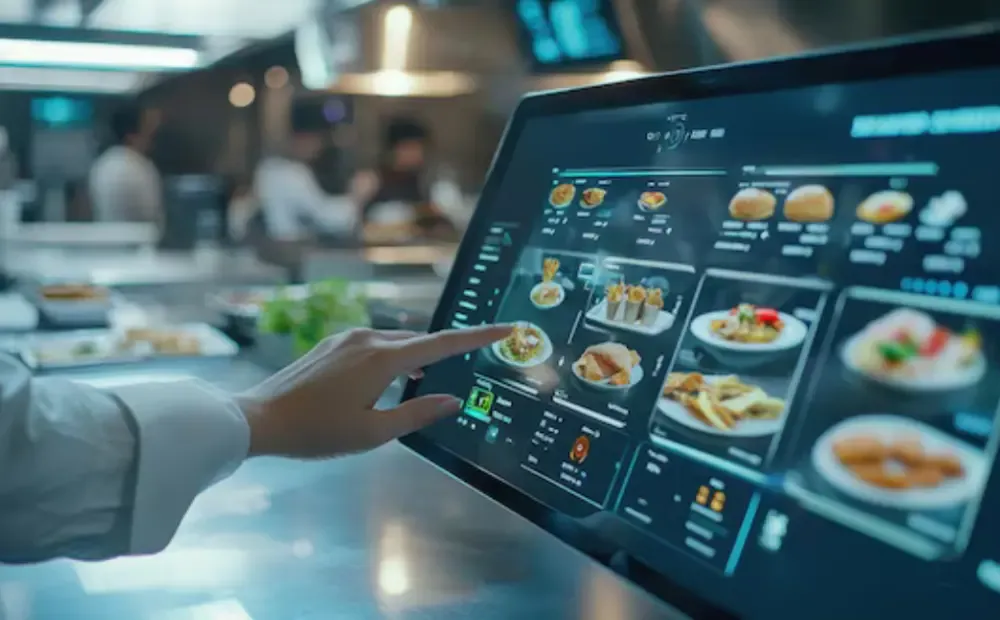
You don’t need a system to tell you that paper tickets waste time. Tickets jam the printer. Orders vanish under heat lamps. Communication turns into chaos. Paper makes your kitchen work harder than it should. A kitchen display system (KDS) replaces that clutter with transparent, connected order screens that show your team exactly what to cook and when.
In this guide, you’ll learn how digital kitchen displays streamline service. We will compare KDS with paper tickets. You will learn which KDS features matter most that keep your back-of-house running smoothly and efficiently.
What a Kitchen Display System (KDS) Actually Is — Components and Core Functionality
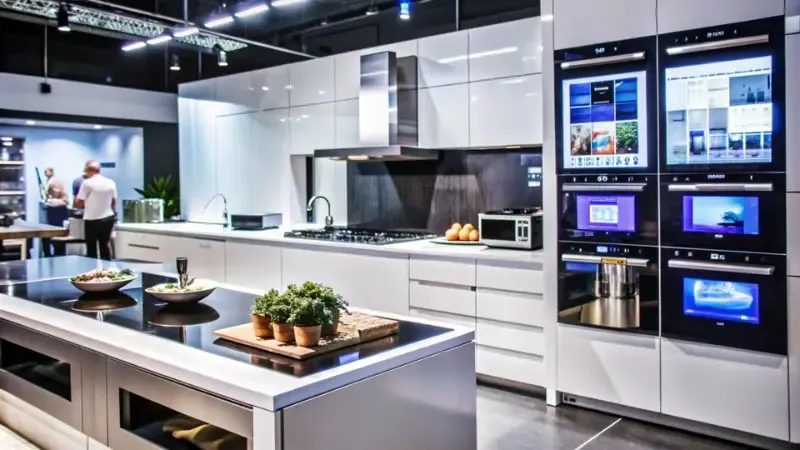
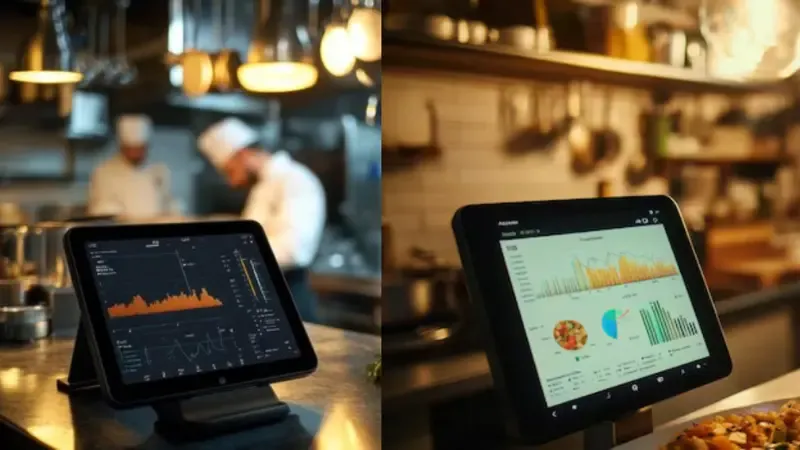
A kitchen display system (KDS) is the digital command center of your kitchen. It replaces paper tickets with touchscreen order displays that are directly connected to your POS. Every order routes instantly to the right station for prep. Cooks see precisely what’s needed, when to start, and when to plate. Managers track progress in real time across every line. A restaurant KDS system keeps your team synchronized, even during the busiest rush.
Core Components
A KDS has the following 5 main components;
- Touchscreen Displays
These are the main workstations for cooks. They show incoming orders, item details, and prep timers. Displays are mounted near each station for fast visibility. Staff can tap to mark items as started or complete.
- Printer Fallback
Printers remain as a backup during outages or maintenance. The KDS automatically switches to print mode when needed. This ensures order flow never stops.
- Order Routing Engine
The routing engine instantly sends each order to its correct station. It divides complex tickets into prep-level tasks and manages timing between stations.
- Status Indicators
Color-coded lights or bars indicate the progress of each order. Staff can see at a glance which items require immediate attention.
- Timers
Timers track prep duration per dish. They alert the line when an order nears completion or runs late.
Core Features Of KDS
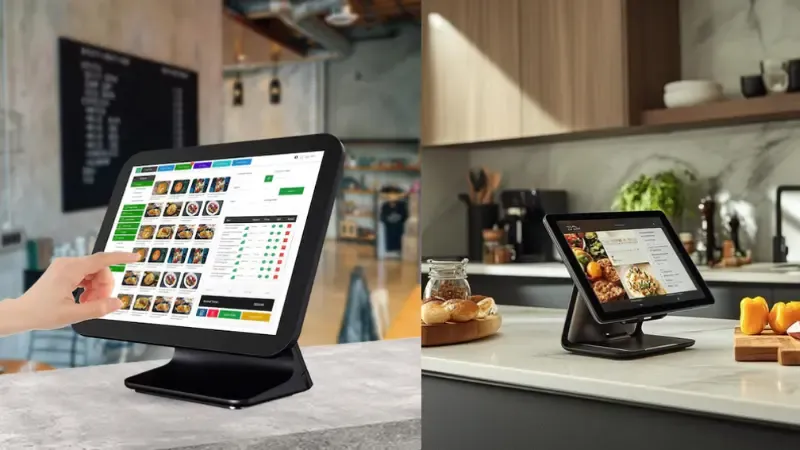
You’ll have these 08 primary features in a kitchen display system;
- Real-Time Order Routing
Orders appear instantly after the POS confirms them. There’s no printing delay or manual sorting.
- Color-Coded Statuses
Each color represents a stage: new, cooking, plating, or complete. The whole team stays aligned.
- Prep Timers
Timers show countdowns for each dish. They help maintain pace during peak hours.
- Batching
The system groups identical items for efficiency. Staff prepare multiple plates at once without confusion.
- Ticket Aging
Older tickets shift color as they wait. This prevents overlooked or delayed orders.
- Voice and Visual Alerts
KDS screens flash or announce when urgent items appear. No shouting or missed calls.
- Reporting and Dashboard
Managers access real-time performance metrics—prep times, delays, and station workload. It reveals where bottlenecks slow service.
How KDS Fits into Your Kitchen Workflow (Real Order Flow and Integration Points)
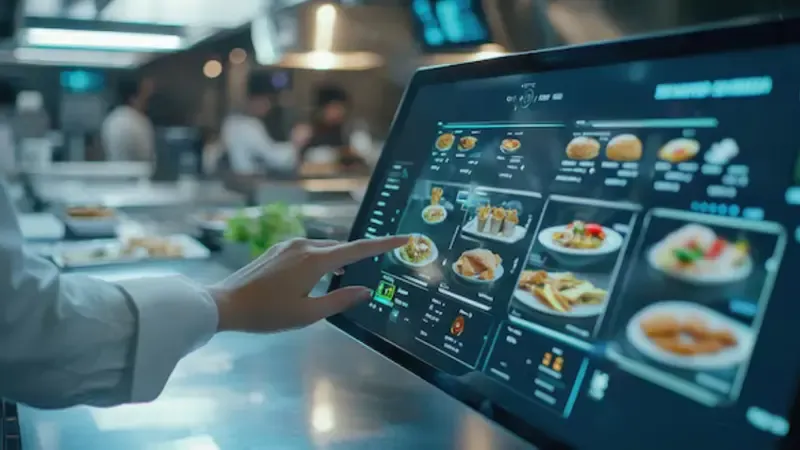
A restaurant KDS system connects every part of your kitchen operation. It links your POS, prep stations, and delivery platforms into one continuous flow. Each order moves from entry to completion without paper delays or manual tracking.
Step-by-Step KDS Order Flow: How a KDS Moves Each Order
1. Incoming Orders
Orders enter the KDS through your Point of Sales system, online ordering site, or delivery apps. Each order includes modifiers, timing, and customer details.
2. Order Parsing
The system breaks each order into tasks for specific prep stations. Complex meals are split automatically into station-level components.
3. Station Routing
The kitchen automation system sends each task to the right display. Grill, salad, and dessert stations see only what they must prepare.
4. Prep Prioritization
The KDS arranges orders by cook time and urgency. It highlights rush items or delayed tickets for faster recovery.
5. Consolidation
When all items finish, the system groups them into a single ticket. This keeps plating and pickup organized and synchronized.
6. Completion and Analytics
The cook marks each ticket complete. The system logs timing data for reporting and performance insights.
Key System Integrations That Keep Kitchens Connected
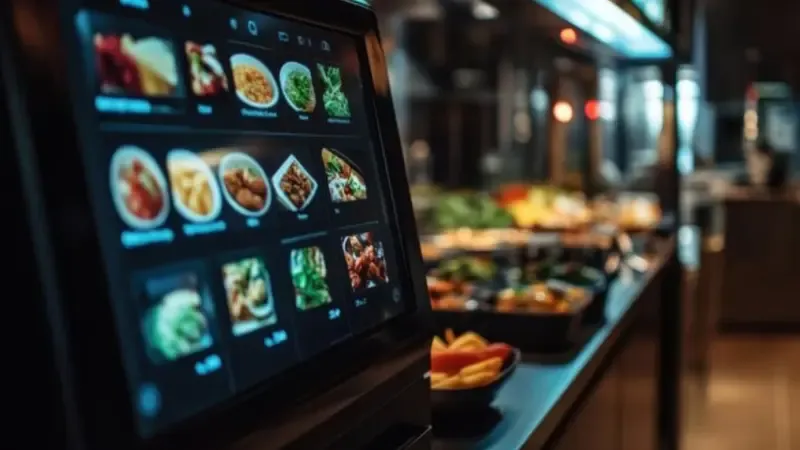
A restaurant KDS system works best when it connects across platforms and tools.
POS Integration
POS systems feed orders directly to the KDS. No double entry or printing delays.
Delivery Platform Integration
Apps like Uber Eats and DoorDash automatically push tickets to the KDS. Staff track third-party orders with the same visibility as dine-in orders.
Inventory and ERP Integration
Linked systems adjust ingredient counts and forecast restock needs. This supports full back-of-house automation.
Label Printers and Ticket Fallback
When needed, the KDS automatically triggers labels or paper tickets. Kitchens never lose visibility during downtime.
Multi-Location and Cloud Management
Cloud-based KDS dashboards give managers control across multiple sites. They monitor live ticket times, bottlenecks, and menu performance from a single screen. Each location maintains its own settings, while head offices oversee chain-wide standards.
KDS vs. Paper Tickets: Why Digital Wins
| Feature | Paper Tickets | Kitchen Display System (KDS) |
|---|---|---|
| Order Speed | Manual printing, runners required | Real-time digital routing from POS to station |
| Accuracy | Prone to lost or misread tickets | Automated order sync ensures zero duplication or omission |
| Visibility | Limited to one area or chef | Full-screen visibility across all prep stations |
| Communication | Relies on shouting or ticket swapping | Shared digital dashboard updates every station instantly |
| Prioritization | Manual and inconsistent | Auto-prioritizes rush, VIP, or delayed items |
| Ticket Management | Hard to track multiple orders | Color-coded statuses and timers for clear tracking |
| Reporting & Analytics | Manual data entry and paper logs | Built-in reporting for order time, errors, and throughput |
| Scalability | Difficult to expand across locations | Cloud-based scaling for multi-site management |
| Cost Over Time | Ongoing paper, ink, and printer maintenance | One-time hardware + low SaaS subscription model |
| Error Recovery | Lost or damaged tickets need reprinting | Automatic fallback and ticket recovery in offline mode |
| Sustainability | Continuous paper waste | 100% paperless, eco-friendly workflow |
What to Expect After Rolling Out a KDS (Measurable Business Benefits)
Here’s what you can realistically achieve by implementing a modern kitchen automation system in your operations.
These metrics focus on areas critical for multi-unit or high-volume restaurants: speed, accuracy, labour efficiency, and waste.
Reduced Ticket Errors
Studies show digital systems can dramatically cut mistakes. For example, the Techryde article states that a KDS reduces human error by 99%.
- Conservative target: 5-12% error reduction in the first 3-6 months.
- Aggressive target: 20-30% error reduction for high-volume QSRs or chains.
Better accuracy translates into fewer remakes, less food waste, and higher customer satisfaction.
Faster Order Cycle / Higher Throughput
A robust system speeds up the process of orders moving from the POS to the plate. One vendor cites up to 25% faster processing time using a digital KDS instead of paper tickets.
- Conservative target: 10-15% reduction in average ticket time (minutes) within 6 months.
- Aggressive target: 20-30% faster order cycle in peak periods for QSR chains.
More throughput means you can serve more customers in the same amount of time, improving revenue potential.
Labour Reallocation & Operational Efficiency
Fewer errors and faster cycles free up staff time. You can redeploy labour away from reactive tasks into proactive ones (quality control, upselling, customer experience). For example, custom KDS solutions report annual labour savings of $12,000-$20,000 per location in chains.
- Conservative target: free up 1-2 labour hours per shift through improved workflow.
- Aggressive target: free up 3-4 labour hours per shift, allowing reduced overtime or shift counts.
Reduced Food Waste & Paper Costs
Switching from paper ticket systems eliminates ongoing costs for paper, ink, and retries. According to FSR Magazine, going paperless with a digital kitchen display cuts ticket waste and reduces food waste caused by misread or lost orders.
- Conservative target: reduce printing costs by 30–40% in year one.
- Aggressive target: eliminate paper ticket costs and lower food waste by 5–8%.
Financial ROI: Cost Drivers vs Savings
Implementing a restaurant KDS system requires upfront and ongoing investments. Here’s how to break it down:
- Cost Drivers: hardware (screens, mounts, rugged monitors), software subscription/licence, integration with POS/ERP/delivery platforms, staff training and change management, fallback systems (printer/paper backup).
- Savings: reduced labour hours, fewer mistakes/remakes, faster service (higher throughput), lower waste, lower consumables (paper/ink), better analytics for menu/labour optimisation.
How KDS Improves Kitchen Communication
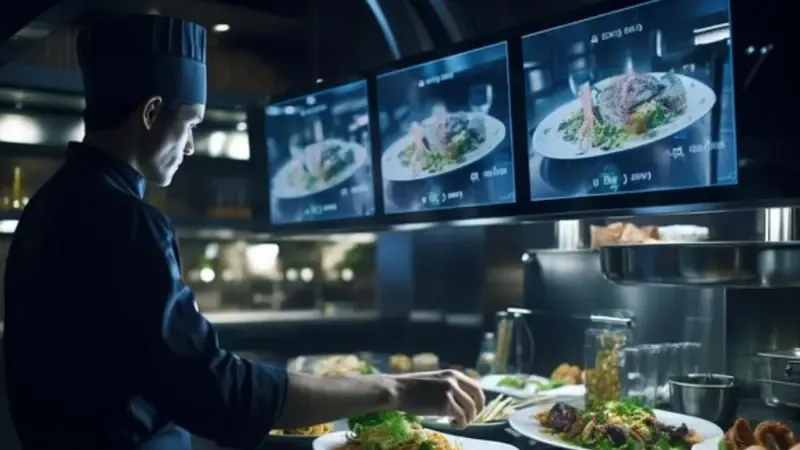
Misheard orders, missed modifiers, and kitchen shouting matches all cost time and money. A digital kitchen display replaces verbal back-and-forth with a single, clear view for the entire line. Every cook sees the same order list, live updates, and item status: no guesswork, no confusion…just coordinated execution.
Clear Visual Cues
Color-coded tickets show what’s urgent, what’s in prep, and what’s ready. Digital timers track cook times, and visual alerts highlight delays or VIP items before they become a problem.
Real-Time Prioritization
The system automatically moves rush or delayed items to the top of the queue. Staff no longer need to shout across the kitchen to reorder priorities… the display does it instantly.
Micro-Playbook: Friday Rush Setup
- Station Split: Each grill, fry, and salad station has a dedicated screen.
- Color Rules: Red = rush order, yellow = aging ticket, green = ready to plate.
- Printer Fallback: If the network connection drops, the system automatically sends a print ticket to maintain workflow.
That’s how a restaurant KDS system turns chaos into calm — one screen, one truth.
Buyer Checklist For Choosing the Best KDS for a Restaurant
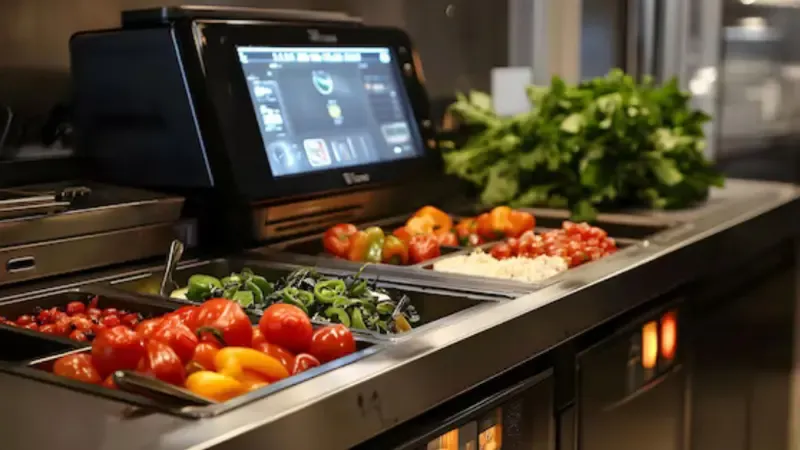
Not every restaurant KDS system fits every operation. Your kitchen’s pace, layout, and tech stack determine what works best. Use this checklist to evaluate vendors before making a long-term decision.
Integration Readiness
A KDS must connect seamlessly with your POS and delivery apps. Ask if it supports open APIs and whether integration requires custom development. Confirm how quickly it can sync with your current POS to avoid order delays or data mismatches.
Reliability and Uptime
Kitchen downtime means lost revenue. Verify the vendor’s uptime guarantee and service-level commitments. Ask how system failures are handled during peak hours and whether local caching keeps operations running if the cloud connection fails.
Hardware Durability
Displays live in harsh environments. Check if screens are IP-rated for heat, grease, and humidity. Confirm that they can handle constant use and are easy to clean without damaging the surface or touch sensors.
Offline Mode and Ticket Fallback
Even the best systems need a backup plan. Ensure the KDS automatically switches to printer fallback if Wi-Fi connectivity is lost and that all tickets remain cached locally until the network is restored.
Ease of Use and Training
Your staff should adapt quickly. Evaluate how long onboarding typically takes and whether managers can update settings or station rules without vendor support.
Reporting and Analytics
The best KDS systems for restaurants turn raw order data into insights. Verify that the software can track ticket times by station, identify bottlenecks, and export reports to your analytics tools.
Scalability, Security, and Pricing
Multi-location restaurants need centralized control. Ask if you can manage all sites from one dashboard and assign user roles securely. Review who owns your operational data and confirm the pricing model…whether it’s per screen, per location, or a SaaS subscription.
Implementation Best Practices: Minimize Disruption and Maximize Adoption
- Start Small
Begin with a pilot rollout. Test the kitchen automation system at a single station or location for 2 to 4 weeks. This trial helps refine order routing, display setup, and fallback workflows before scaling.
- Set Up and Train
Connect your integrations and confirm printer fallback in case the network drops. Train staff in short 15–30 minute sessions per station. Place quick reference cards near each display so teams can adapt without confusion.
- Measure and Adjust
Record baseline KPIs before launch…ticket errors, prep times, and orders per hour. Compare results after rollout to track measurable improvements. Use the data to fine-tune settings and show progress to the team.
- Involve Kitchen Leaders
Bring chefs and supervisors into every step. Their insight ensures the KDS layout matches real prep routines. Their buy-in drives faster adoption and smoother coordination.
- Avoid Common Pitfalls
Don’t ignore the chef’s feedback. Avoid applying the same dashboard to every station. Always test fallback systems before going live. With these steps, your back-of-house automation upgrade delivers value without disrupting service.
The Future of Digital Kitchens System (KDS)
Modern digital kitchen displays are evolving fast. Modern Restaurants now expect more than just order visibility.
AI and Predictive Prep
Artificial intelligence predicts order patterns and prep needs. It forecasts high-demand items and alerts staff in advance.
IoT-Connected Appliances
Smart ovens, fryers, and refrigerators feed real-time status to the KDS. Staff see equipment readiness without manual checks.
Cloud Orchestration
Cloud-based systems manage multi-location chains from a single dashboard. Managers monitor performance and adjust workflows remotely.
Voice-Assist and Automation
Voice commands and automatic order splitting streamline the preparation process. Staff can start tickets hands-free, reducing delays and errors.
Practical Takeaway
Select a kitchen automation system that offers open APIs and a clear vendor roadmap. Future-proof your kitchen by ensuring integration with new devices and software updates. This keeps your operations scalable, flexible, and ready for technological upgrades.
Final Take: Build a Kitchen That Keeps Up
A smarter kitchen starts with visibility and speed. SwiftForce gives you both. Our restaurant KDS system helps teams work in sync, cut errors, and move faster. Start small, test results, and scale with confidence. Schedule a demo today and explore how our restaurant KDS system scales with your growth.